Updates, Data Locations & FAQ
Where does Hostess store my data?
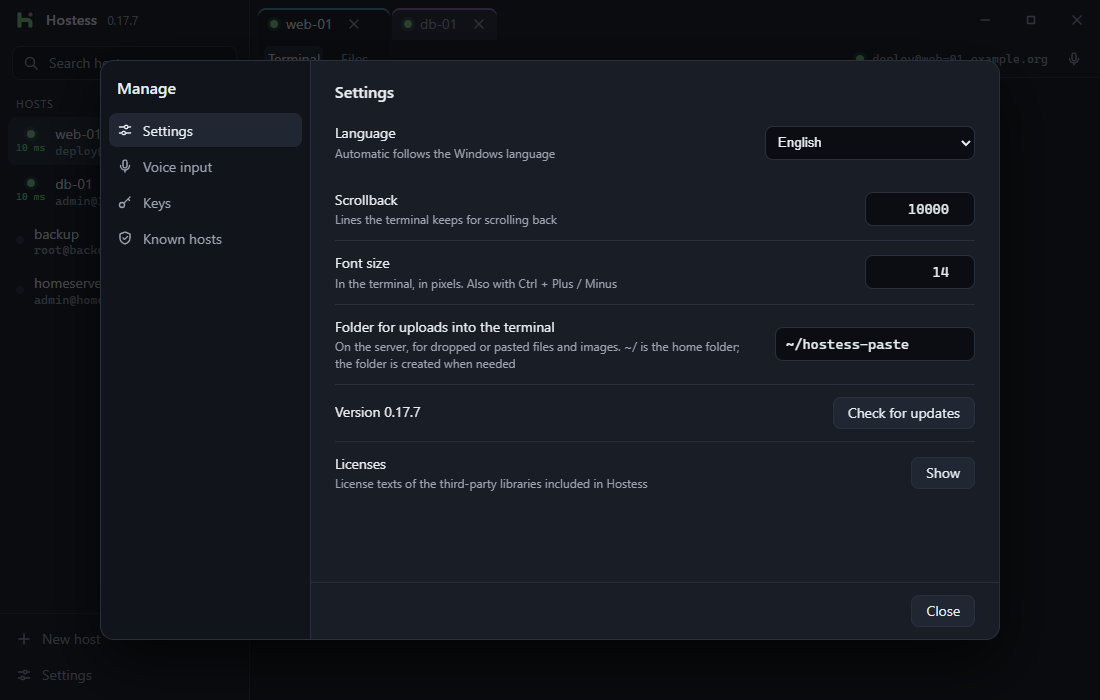
All configuration stays locally on your PC. Click Settings → Data folder → Open to jump straight there in Explorer:
| Location | Contents |
|---|---|
%APPDATA%\de.hostess.client\store.json |
Your hosts, saved tunnels, and preferences (written atomically, never contains passwords) |
%APPDATA%\de.hostess.client\known_hosts |
Trusted server public keys |
%APPDATA%\de.hostess.client\models\ |
Downloaded Whisper speech models (can be deleted anytime in Settings) |
| Windows Credential Manager | Optionally saved passwords and key passphrases (service Hostess, encrypted under your Windows user) |
%USERPROFILE%\.ssh\ |
Your SSH keys and optional OpenSSH config |
Backing up or moving to a new PC
Copy store.json and known_hosts from the data folder (along with your .ssh folder) to your new machine.
How do updates work?
- On launch and every 30 minutes, Hostess checks
https://sharko-it.de/hostess/dl/latest.jsonfor a newer version (updates never install automatically — only when you click Install). - Every update package carries an Ed25519 / Minisign signature bound to its version number (
requireSignedVersion), protecting against tampering and downgrade attacks.
What leaves my PC?
- Nothing from your work: No hostnames, no server IPs, no terminal commands, no transferred files, no audio, and no crash telemetry.
- Only two requests made by Hostess itself:
- The lightweight update check (
latest.json?v=<version>) to our server — used only to count daily active installations as an aggregate total without any installation ID. - If you set up voice input: the one-time model download from
huggingface.co.
- The lightweight update check (